PhraseExpander lets you create fill-in-the-blank templates. When you execute a template, complete the fields to generate a customized note that you can insert into your EMR or another application.
This is done by using the fill-in variables and combining them with macro language of PhraseExpander (called fill-ins).
If user inputs are present, PhraseExpander displays the Input form that you can fill-in and further customize.
Because a template can adapt to your input, you can create and maintain fewer templates.
For example, you can create a template that automatically displays additional information and inputs based on previous answers (for example, if a patient has diabetes, PhraseExpander can automatically display additional questions, like What treatment he's using and how often he's checking the glucose level).
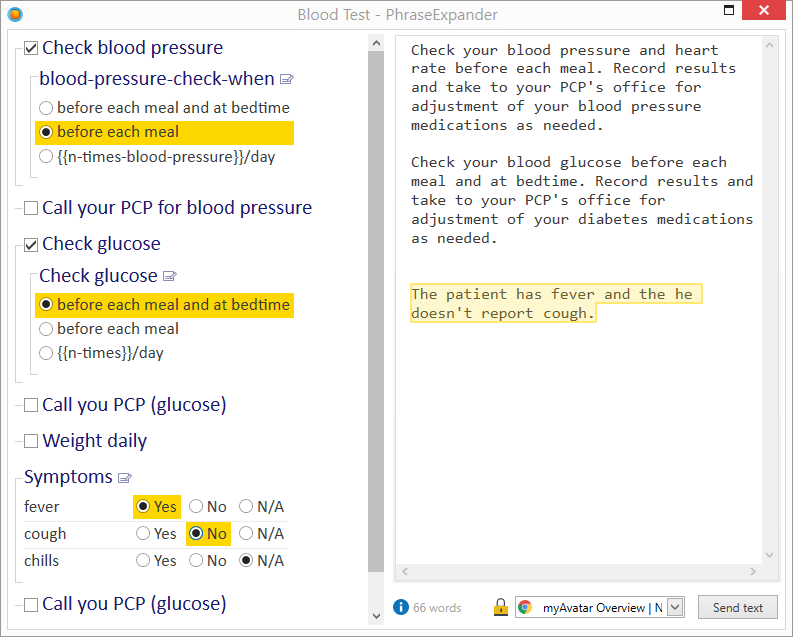
Easily create a note by checking boxes. A preview of the generated note is shown on the right.